Plan every detail
Build the day around the job you are actually shooting.
The field operating system
Plan the shoot. Know the light. Keep every client, crew, gear note and next move together.
No card required. Your saved work stays ready if you upgrade.
77
practical sheets
Live
weather + light
One
job in one place
Build the day around the job you are actually shooting.
Keep weather, wind and available light beside the plan.
Turn a useful brief into practical shoot suggestions.
Review what is saved and export your working records.
A real working preview
Sign in by email. Plan a genuine job, check its light and weather, sync it across devices, and try three AI Shoot Assist plans. No card and no stripped-down demo.
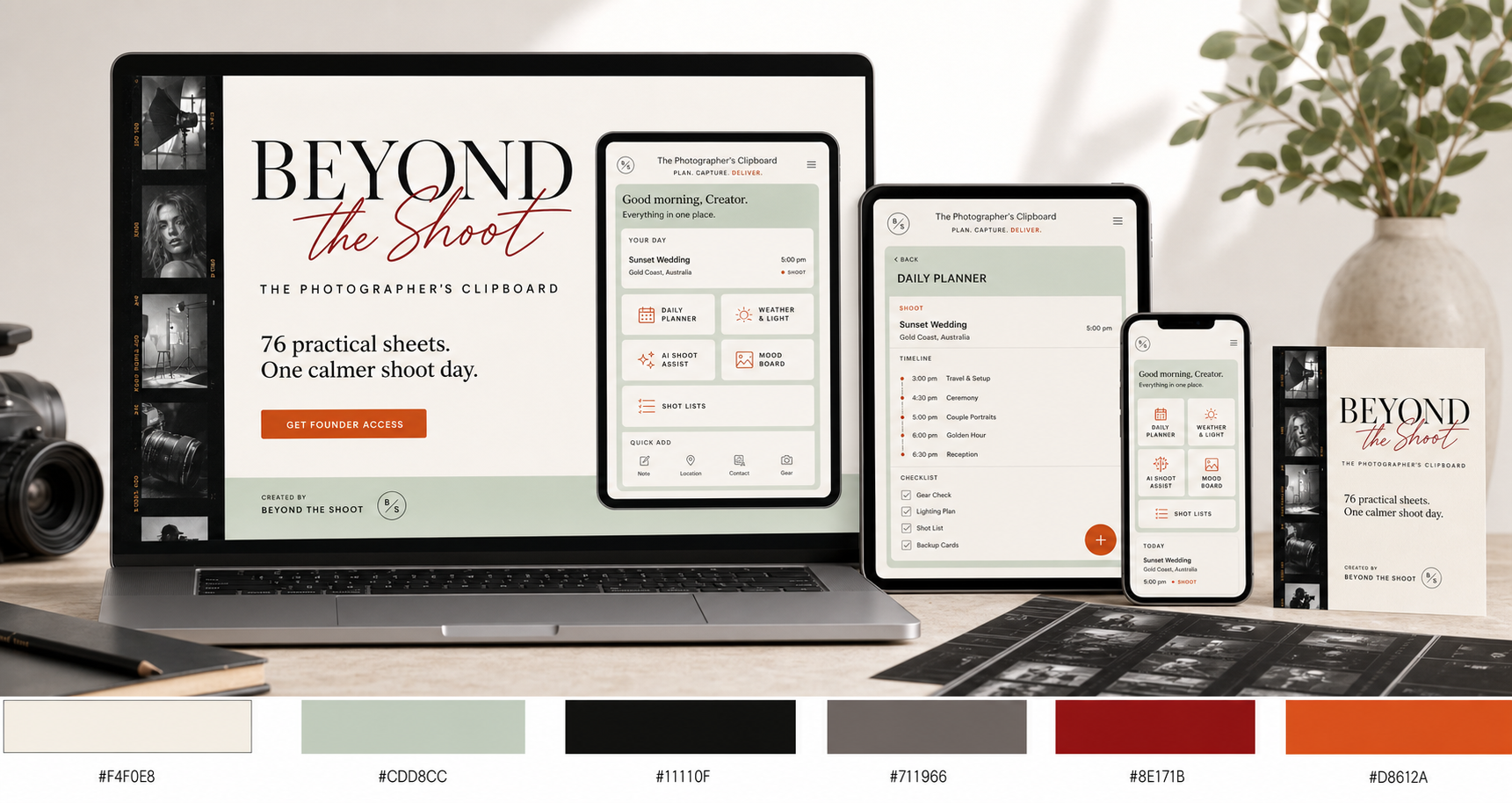
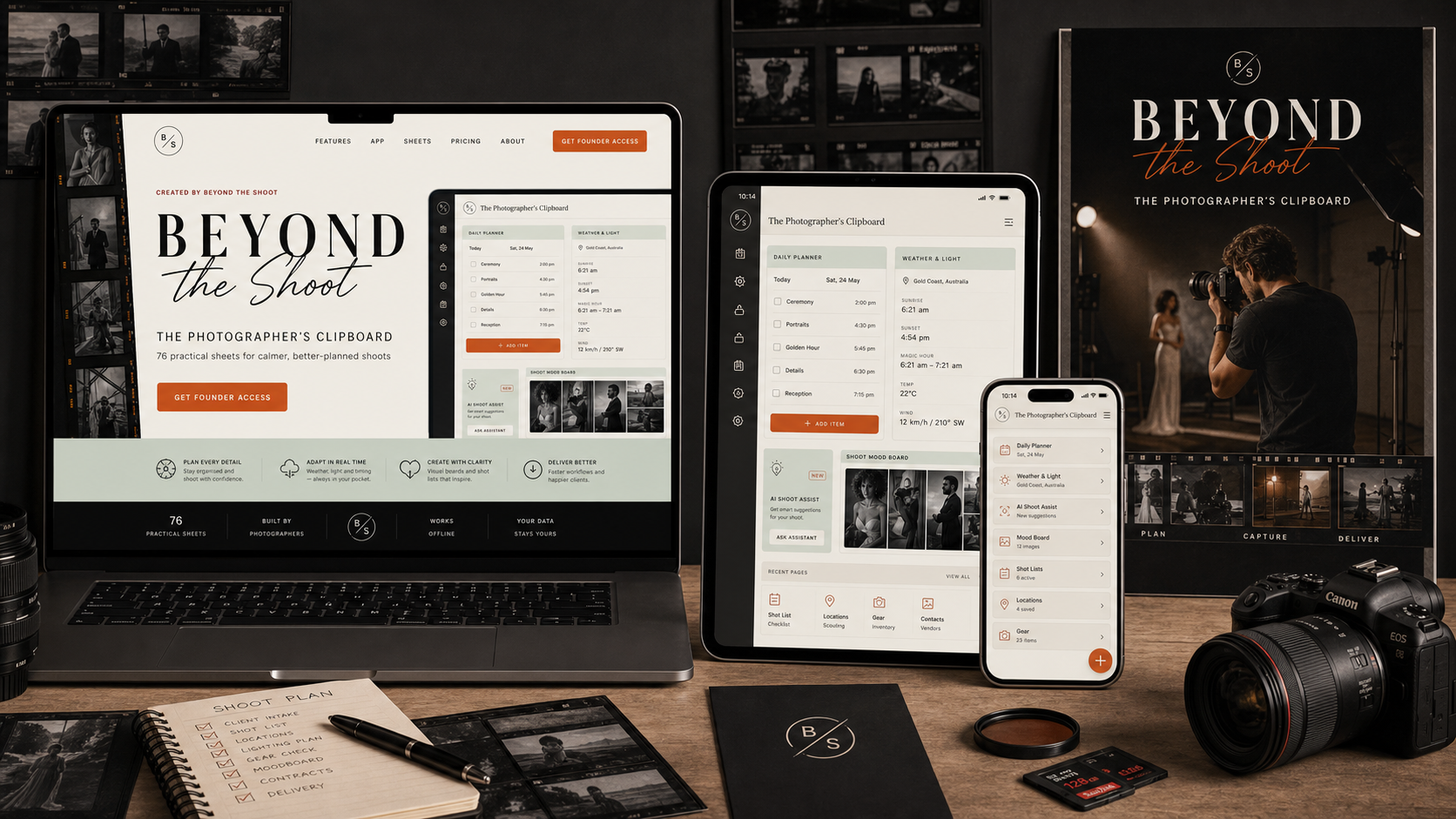
A calm paper workspace on the laptop, a clear working view on iPad and the essentials in your hand on iPhone.
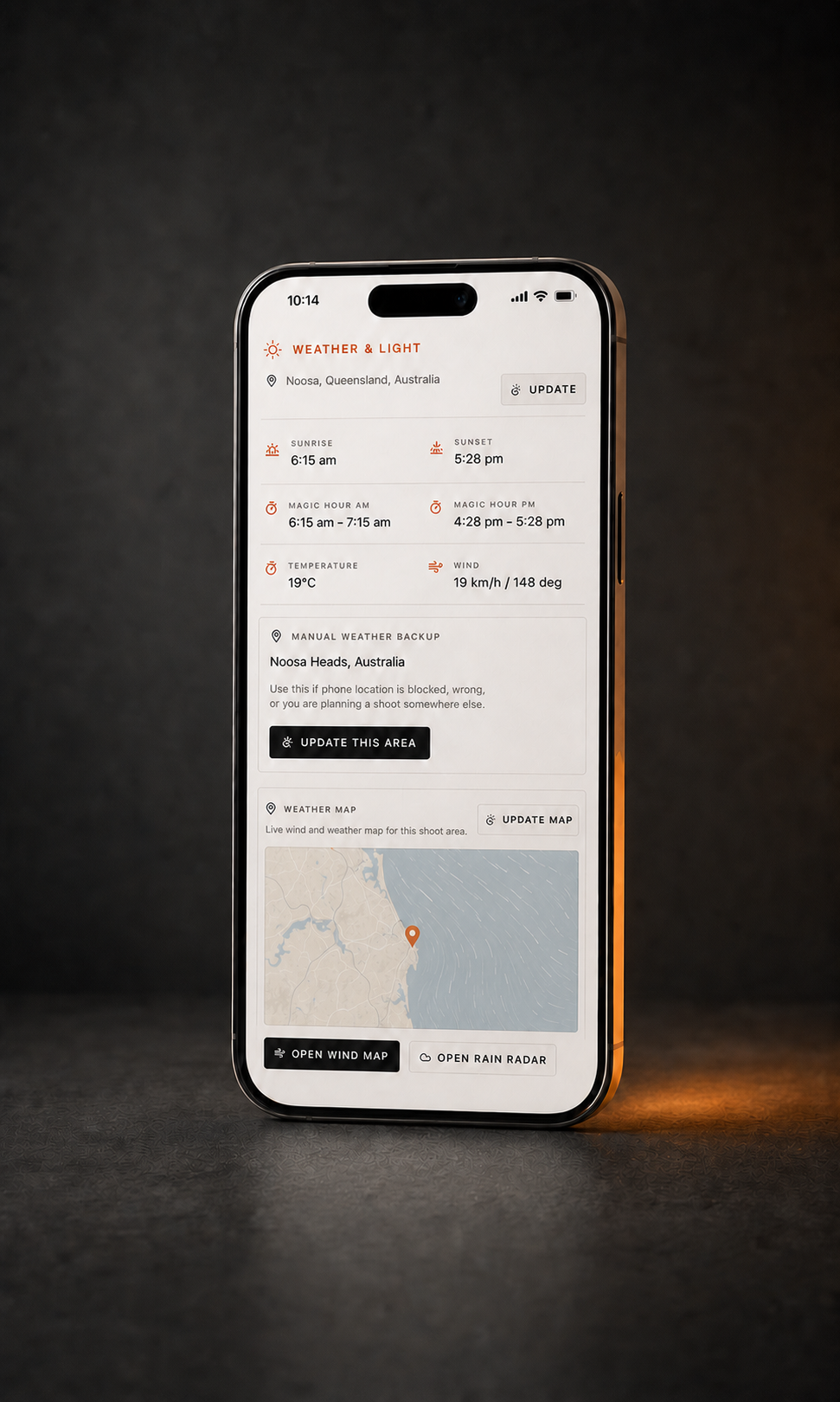
Check the live location when permissions are available, or type the shoot area manually. Sunrise, sunset, morning and evening magic hour stay visible while you prepare the job.
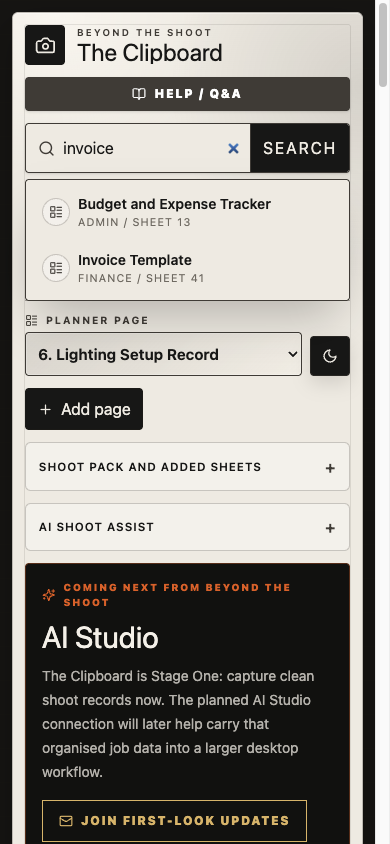
Universal search
Search all 77 sheets or reopen a saved client, shoot, location or project detail from one bar near the top of the app. It works on desktop, iPad and phone.
Built from the shoot floor
The Photographer's Clipboard was made around the practical rhythm of a real photography job: plan it, find the light, make the frames, keep the record and deliver.
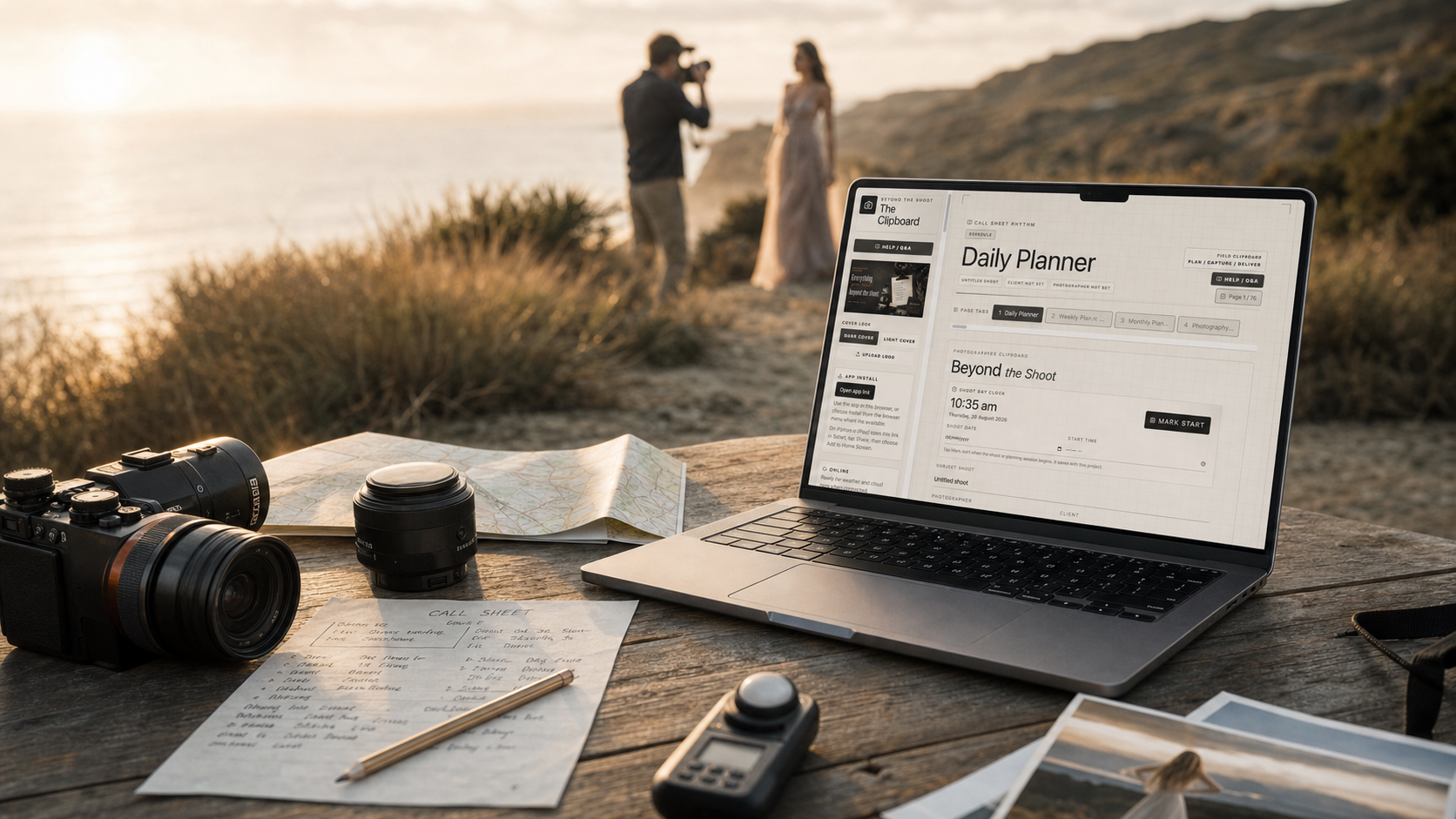
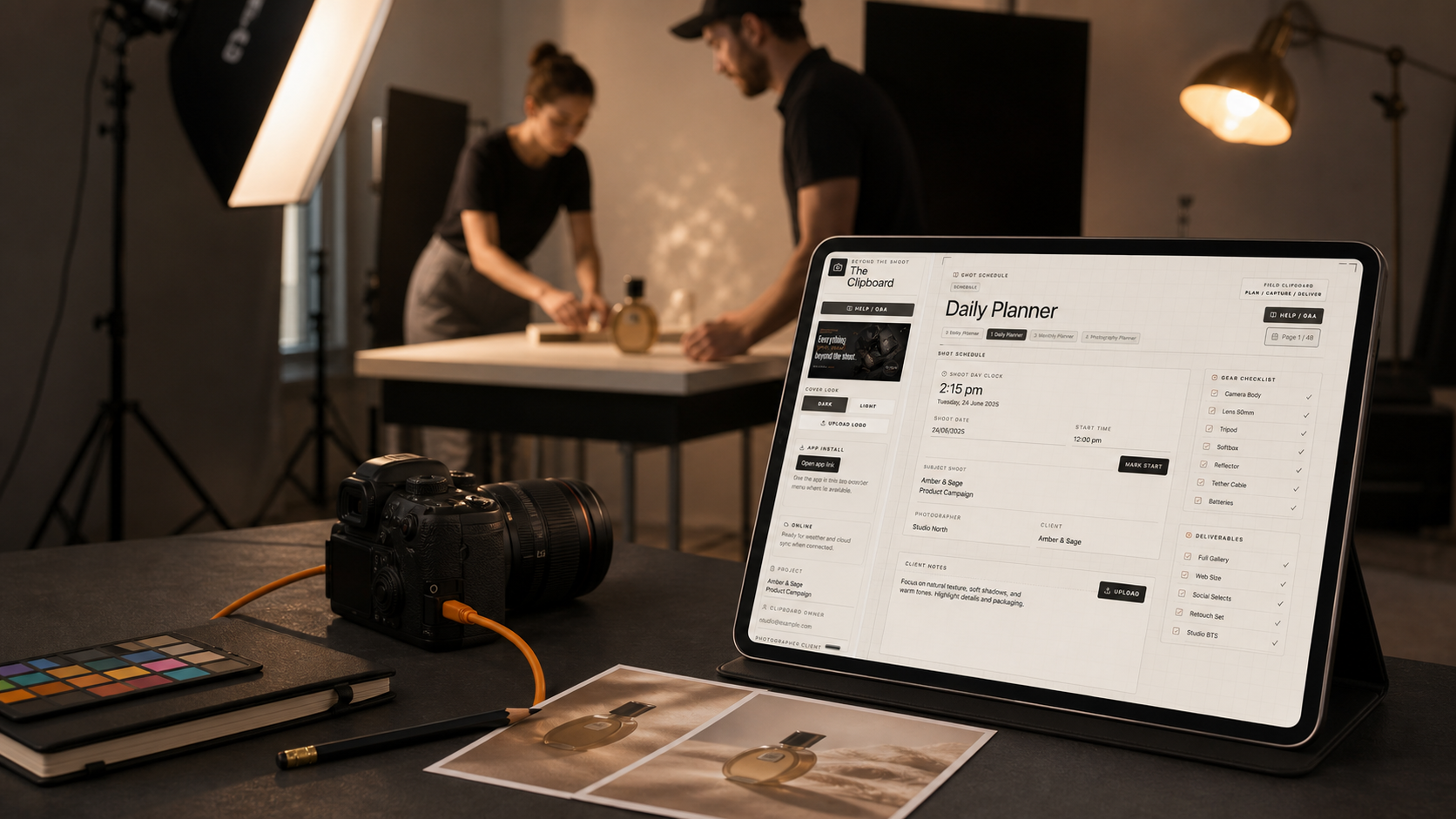
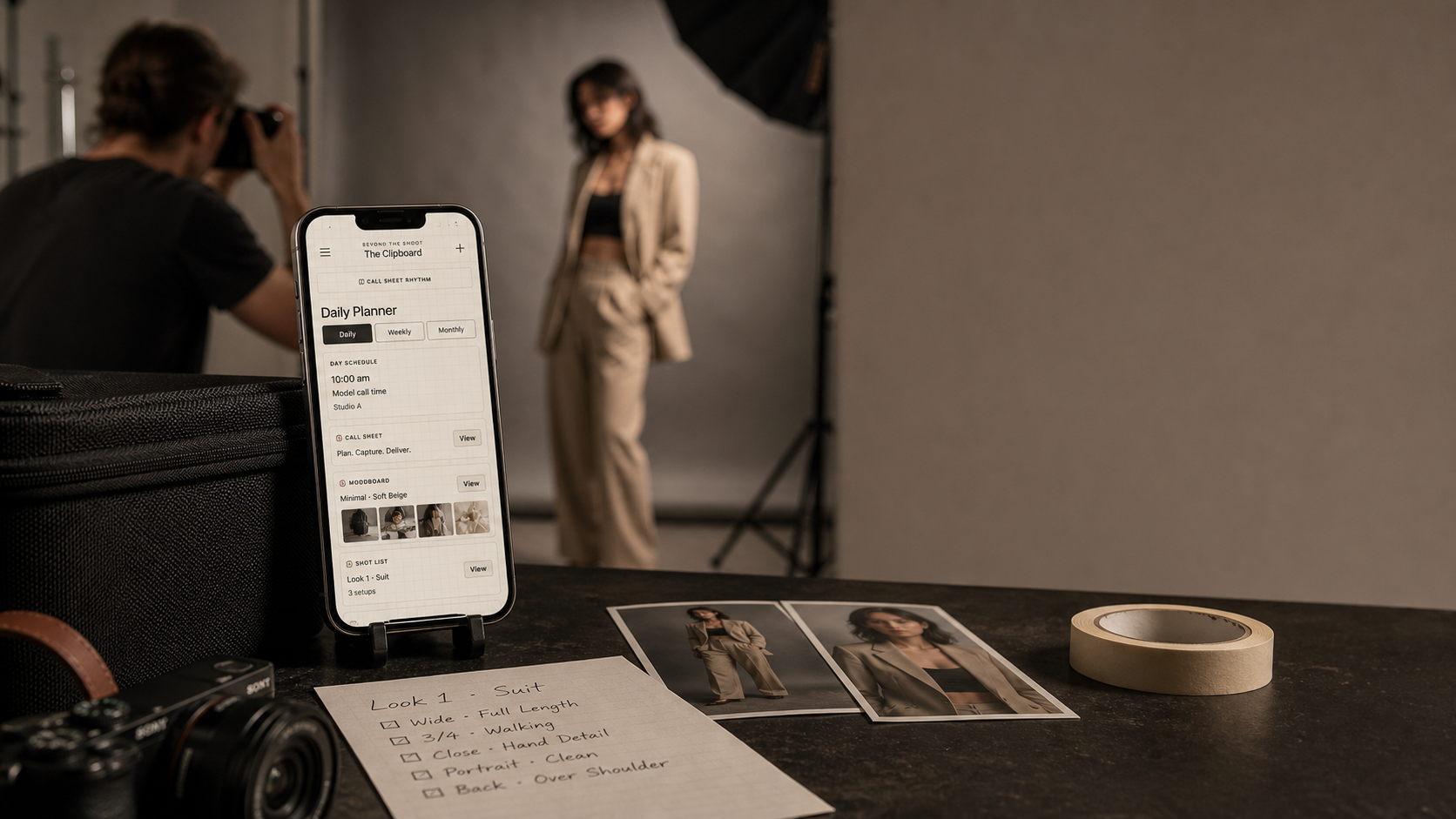
Campaign scenes show the intended working context. The product demonstrations above and below use genuine screens captured from the application.
Working views from the Daily Planner, Weather & Light and AI Shoot Assist.
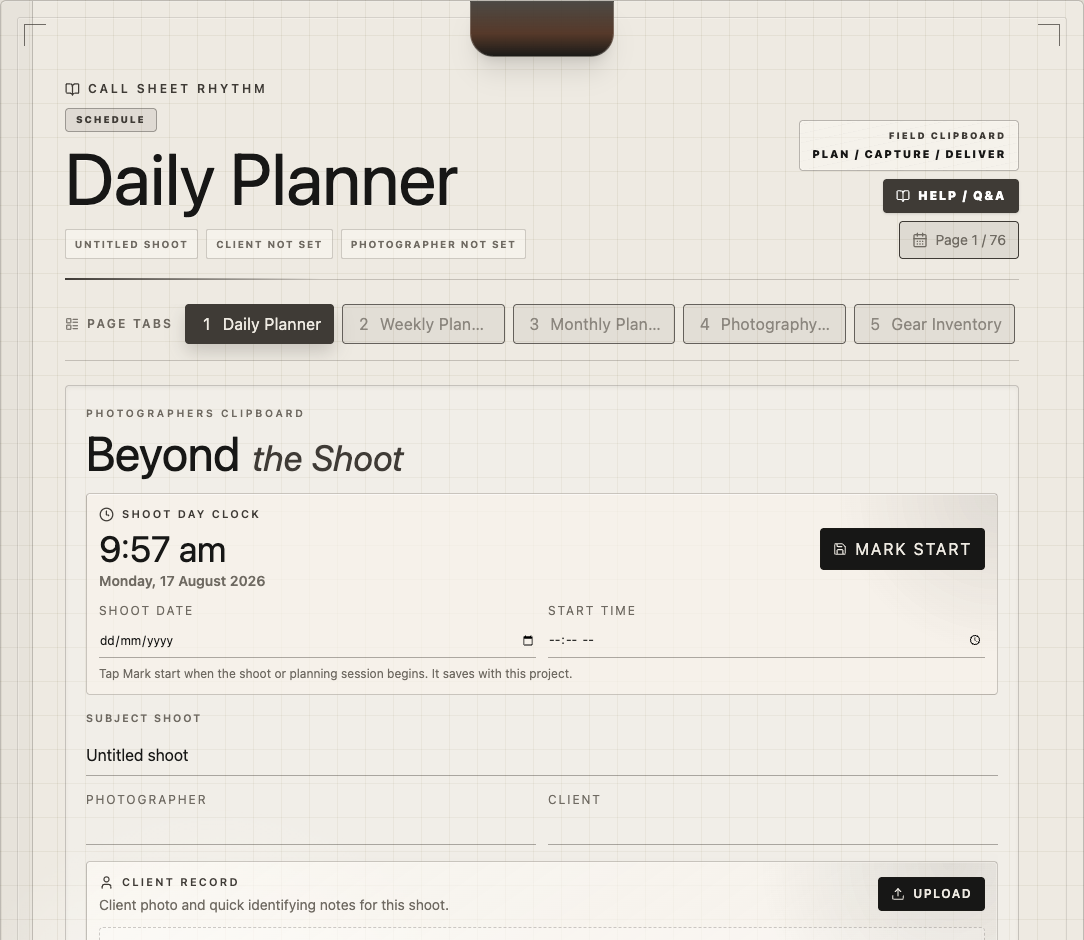
Start time, client, primary frame, contacts, checklists and notes.
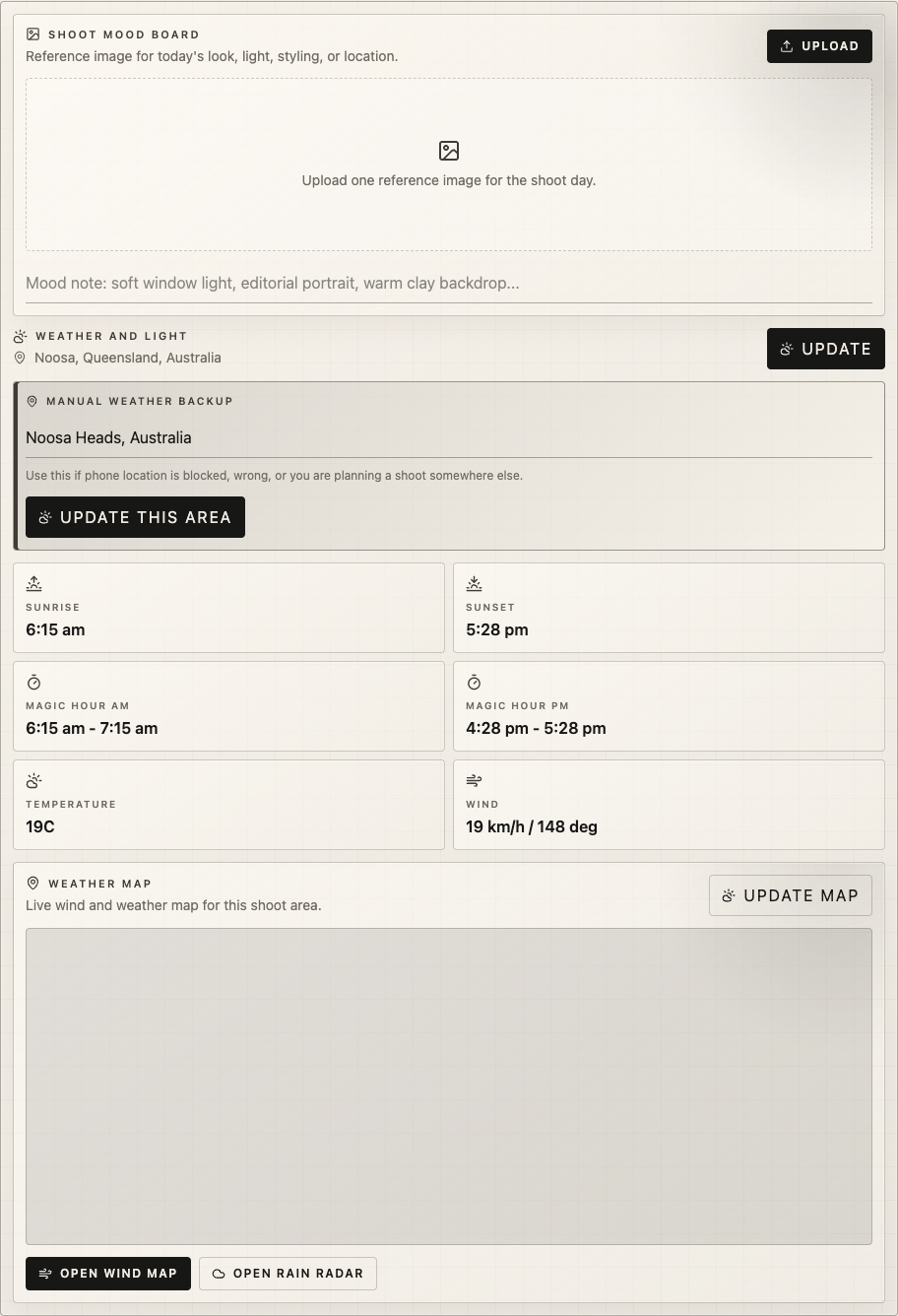
Weather, wind, sunrise, sunset and magic-hour windows.
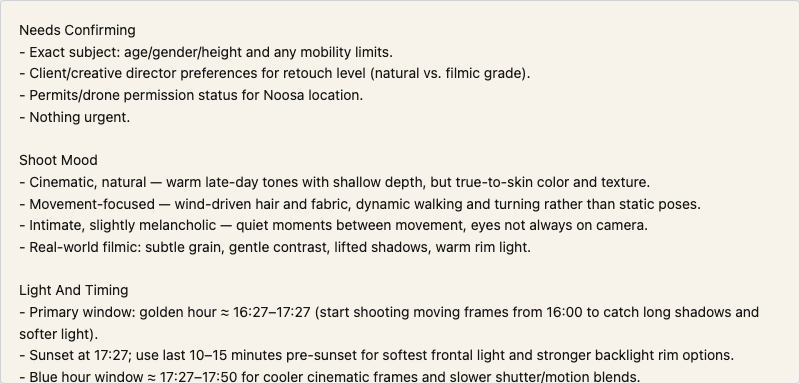
Practical timing, lens, styling, shot and backup suggestions.
77 practical sheets
The complete library covers scheduling, production, lighting records, projects, creative development, clients, finance, pricing, marketing and sessions. Your Shoot Day Pack keeps only the useful pages in front of you.
Stage One works today
Record the card number, camera, main drive, backup drive, exact folders, Lightroom or other editing catalogue, final delivery and archive. It stays with the shoot and exports as a desktop-friendly CSV.
Beyond the Shoot AI Studio / coming later
The planned desktop connection will build on these organised records. Join the first-look list for progress and release updates.
Join AI Studio updatesUse the same application on your computer, iPad and phone. Install it where supported, work from the browser and keep an exportable backup of the project library.
Add it to supported devices without waiting for an App Store update.
Carry the plan, contacts and light information with you.
Keep each client, shoot and selected sheet pack together.
Free product guide
Download the four-page guide for a clear look at the app across laptop, iPad and phone, the practical problems it solves, and how to start the complete 48-hour trial.
Get the free PDFFour pages · PDF · Includes the direct 48-hour trial link
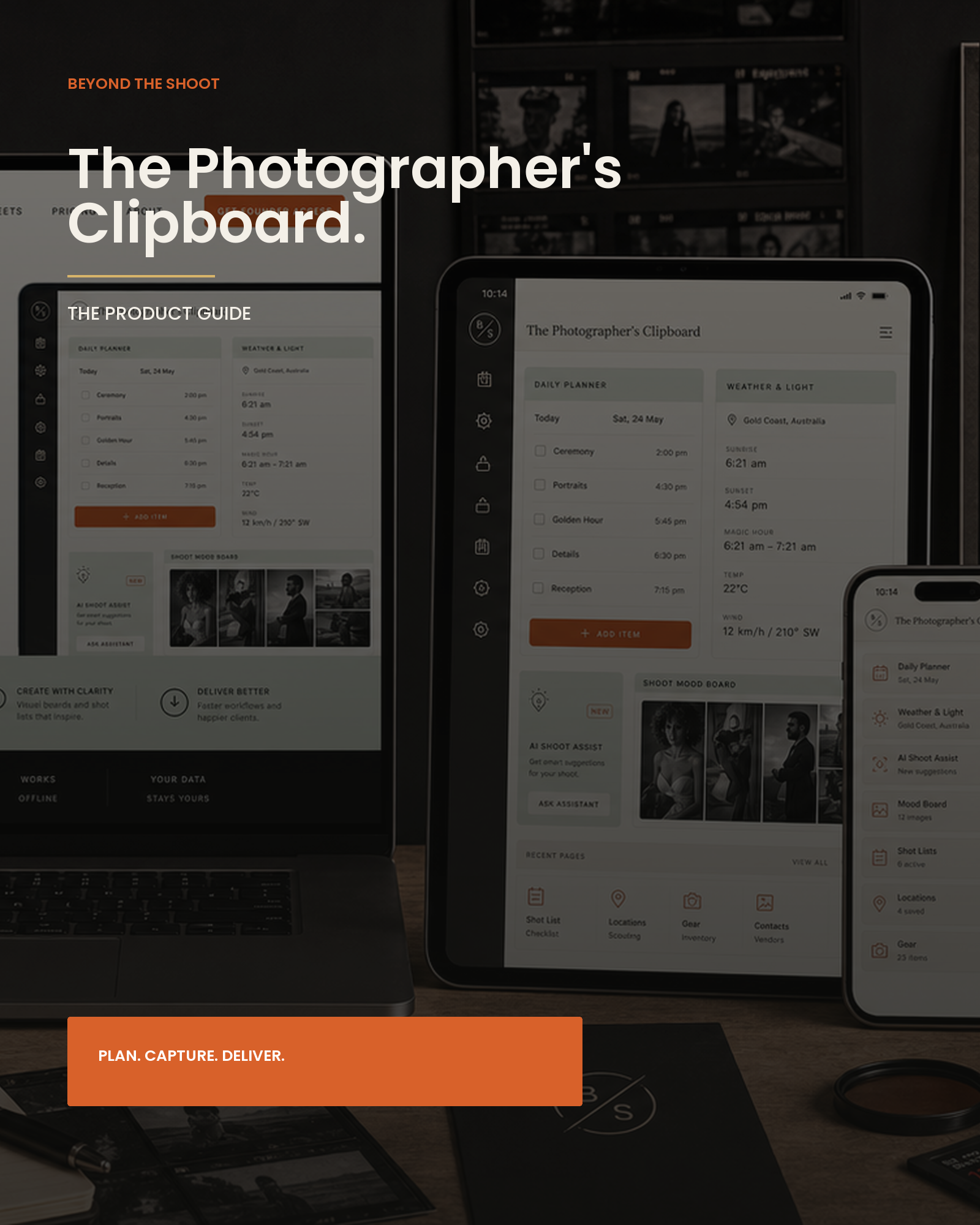
It is a field-ready planning app built specifically for photographers. It keeps shoot-day plans, weather and light, client details, images, checklists and business sheets together in one working system.
Yes. Use it in a browser or install it to a supported device. Sign in with the same account to reach cloud-saved projects on another device.
No. AI Shoot Assist turns a useful brief into planning suggestions. You remain in control of what is saved and how the shoot is run.
Yes. The Memory Cards sheet records each card, its camera, main drive and folder, verified backup, editing catalogue, final delivery and archive. The chain saves with the shoot and exports as a CSV.
Yes. Release forms include separate signature pads for the model or talent, studio representative and witness. Each pad works with a finger, Apple Pencil or another stylus, as well as a mouse or trackpad, and the drawn signatures appear in the printed or downloaded release.
Yes. The Lighting Setup Record keeps the studio or location, time, conditions, light positions, modifiers, power levels, camera and exposure settings, a placement sketch, behind-the-scenes photographs and the finished result together with the shoot.
Yes. Add a secure payment link from your own Stripe, PayPal or another payment provider to the invoice, then open or share the deposit request while the client is with you. The provider receives the payment; the Clipboard does not store card details.
Yes. Client Showcase lets you publish an unlisted link with up to six selected photographs, your contact details and optional booking or deposit buttons. The private shoot record and notes are not included.
Yes. Universal search is available near the top of the app on desktop, iPad and phone. Search a sheet name to jump directly to it, or search a saved client, shoot, location or project detail to reopen that job.
Sign in by email and open the complete app for 48 hours with no card required. The trial includes cloud save, live weather and light, all planning sheets, and up to three AI Shoot Assist plans.
The app locks automatically, but your projects remain stored. Purchase Founder Access with the same email and you can continue from the work you already saved.
It is the field layer your CRM does not cover — planning, light, shoot-day decisions and records.
Peter Trainer teaches practical Clipboard use through Creator Hub, his Skool learning space. Current access details and available lessons are provided after checkout.
Use the same email address from checkout to sign in. If access does not appear, contact support and the purchase will be verified.
Founder release
Founder checkout is US$49. Use the same email at checkout and sign-in. Your final AUD amount depends on the rate and fees applied by your bank or card provider.